
Go live checklist
- Test the integration. Capture HTML, plain text, attachments and error cases with a test key.
- Verify your domain. Complete the current ownership TXT, DKIM and MAIL FROM records; review SPF and DMARC findings.
- Start automatically. Once your domain checks pass, live sending switches on automatically. Your accepted terms and Acceptable Use Policy apply. No manual application is needed. Abuse restrictions remain subject to support review.
- Store a restricted live key. Limit it to sending and the required domain; use your server's secret store.
- Use idempotency. Give each business event a stable key and persist the returned email ID.
- Verify webhooks. Test signatures, duplicate events and an unavailable receiver. Keep suppressions from your previous provider.
- Monitor quota. Allow headroom for important mail; configure warning handling.
- Start small. Send to your own Gmail and Outlook accounts and inspect the actual inboxes. Increase representative traffic gradually.
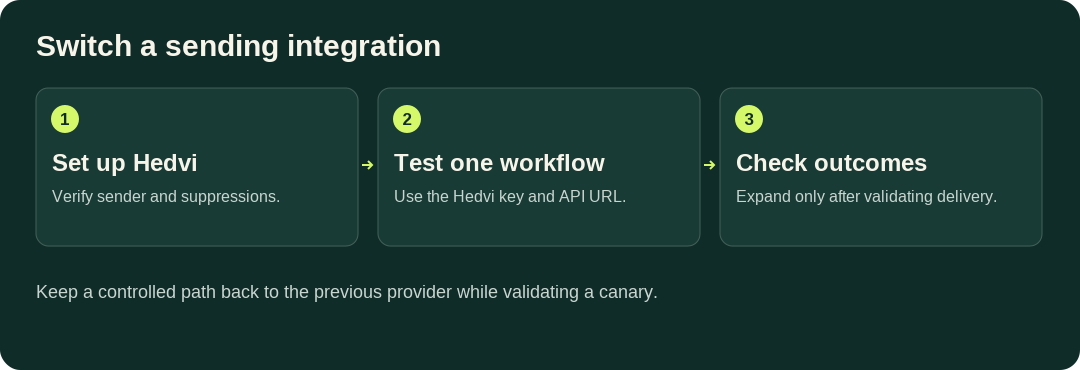
- Keep a rollback. Preserve the old provider's configuration while validating the migration. Avoid sending the same job through both providers.
Neither a test capture nor a provider delivery event proves inbox placement. Review the status meanings before deciding whether to resend.