
Attachments and inline images
Send attachment bytes as base64 with a filename. Hedvi does not download attachment URLs on your behalf.
{
  "from": "app@example.com",
  "to": "you@example.com",
  "subject": "Your document",
  "text": "Your document is attached.",
  "attachments": [
    {
      "filename": "hello.txt",
      "content_type": "text/plain",
      "content": "SGVsbG8gZnJvbSBIZWR2aQ=="
    }
  ]
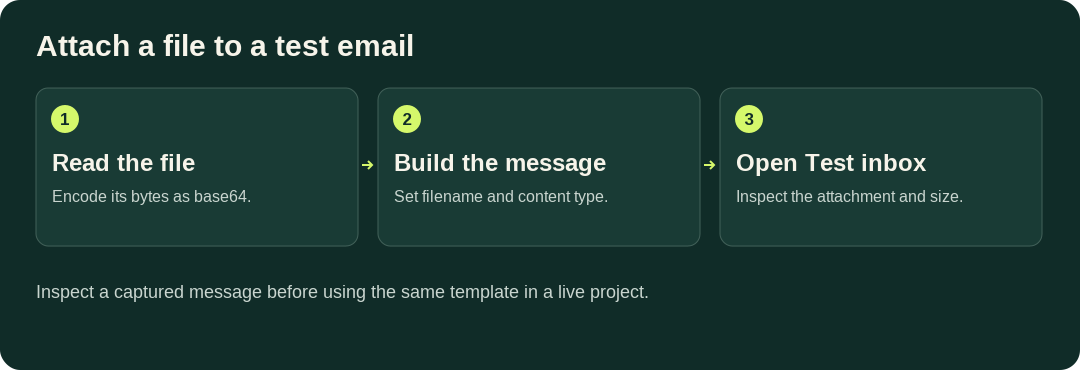
}- Read the file on your server and base64-encode its bytes.
- Set
filenameand the correctcontent_type. - For an inline image, add
content_id(for examplelogo) and reference it with<img src="cid:logo" alt="Company logo">in the HTML. - Send with a test key first and inspect the capture. Then test the template in the mail clients your recipients use.
Maximum: 10 attachments and 10 MB total HTML, text and decoded attachments. Executable file types are refused. Outgoing attachment data also has a monthly plan budget, multiplied by recipients where applicable. Use links to your own secure file service for larger documents.